Download the
5gbd App
The full 5gbd casino experience, right on your Android phone. Slots, crash games, live tables, and bKash/Nagad deposits — all in one free 45 MB APK. Works on Android 7.0 and up.
Version 3.8.11 · 45 MB · Free · Android 7.0+
- SSL Secured
- 18+ Only
- 24/7 Support
- bKash & Nagad
What You Get in the 5gbd App
The app brings everything from the desktop site into a single, fast-loading package built for Bangladesh mobile connections.
Full Game Lobby
Access all games from providers like PG Soft, Evolution, Pragmatic Play, and Sexy Gaming. Slots, crash, live dealer, and fish shooting — all categories load in the same tap-and-play layout you see on desktop. No content is removed from the mobile version.
Instant bKash & Nagad Deposits
Top up your balance directly through bKash, Nagad, Rocket, or Upay without leaving the app. Deposits typically reflect in under 1 minute. The deposit form inside the 5gbd app saves your preferred method so you spend less time on checkout and more time playing.
Push Notifications for Bonuses
Opt in to push alerts and the app will tell you exactly when a new reload bonus or cashback window opens. You do not need to check the promotions page manually. Notifications are optional — you can turn them off at any time inside your phone's settings.
Cricket & Sports Live Odds
Follow BPL, IPL, T20, and ODI matches with live in-play odds updated in real time. The sports section inside the app uses a compact scoreboard layout so you can track match stats and place bets on the same screen without switching between tabs.
One-Tap Login with Biometrics
Set up fingerprint or face unlock after your first login. When you return, one tap takes you straight to the lobby. Your session token is stored securely on-device and never shared with third-party tracking SDKs. Biometric login works on Android 7.0 and above.
Low-Data Mode for Mobile Networks
Playing on a crowded 4G connection? The 5gbd app includes a data-saver toggle that reduces image quality and preloads fewer assets. Crash games and live dealer streams remain playable on connections as slow as 3 Mbps. Ideal for players outside Dhaka on mobile data.
Version & System Requirements
Before you tap Download, check that your phone meets these requirements. The APK will not install on Android versions below 7.0 or on devices with less than 1 GB of free storage.
| Detail | Specification |
|---|---|
| App Name | 5gbd – Casino & Sports |
| File Name | 5gbd.apk |
| Version | 3.8.11 |
| File Size | 45 MB |
| Minimum Android | 7.0 (Nougat) or higher |
| Last Updated | 5 November 2026 |
| Price | Free |
| Language | English / Bangla |
| iOS Support | Add to Home Screen via Safari (no App Store listing) |
| Minimum Free Storage | 100 MB recommended after install |
Download 5gbd APK
Direct download from the official 5gbd server. No third-party stores, no sign-in required to download.
Download APK NowScan to download on your phone
Not registered yet? Create a free account first.
Security & App Permissions
The 5gbd APK only requests permissions it actually uses. Here is what the app asks for and why.
SSL Encryption on Every Request
All traffic between the 5gbd app and our servers uses TLS 1.3. Your login credentials, payment details, and bet history are encrypted end-to-end. The app will refuse to connect over plain HTTP, so man-in-the-middle attacks on public Wi-Fi cannot intercept your session.
Storage Permission (Read / Write)
The app saves your preferences and cached game assets locally so pages load faster on repeat visits. It does not scan your photos or contacts. You can revoke storage access at any time in your phone's App Settings without losing your account or balance.
Camera – KYC Verification Only
Camera access is requested only during the KYC document upload step, which you complete before your first withdrawal. The app never accesses the camera during gameplay or while it runs in the background. Denying this permission simply means you upload documents via file picker instead.
Biometric & No Personal Data Harvesting
Fingerprint data stays in your phone's secure enclave and is never transmitted to 5gbd servers. The app does not include any ad network SDKs or third-party analytics that send your device ID or usage data to outside parties. You can also disable biometric login and use a password at any time.
App vs. Browser: Quick Comparison
Both options give you the full game library. Here is where they differ in practice.
| Feature | 5gbd App (APK) | Browser / Website |
|---|---|---|
| Load Speed | Assets cached locally, faster launch | Depends on network and browser cache |
| Push Notifications | Yes – bonus and match alerts | No push; email only |
| Biometric Login | Fingerprint / face unlock | Password only |
| Data-Saver Mode | Built-in low-data toggle | Not available |
| Game Library | All games available | All games available |
| bKash / Nagad Deposit | Yes – in-app flow | Yes – browser redirect |
| Minimum Deposit | ৳100 on both platforms | |
| Auto-Update | Manual APK re-download required | Always latest version |
| iOS Support | Android only (APK) | Works in Safari / Chrome |
| App Store Required | No – direct APK download | No store needed |
Already have an account? Head straight to 5gbd Login — the same credentials work in both the app and the browser.
How to Install the 5gbd App on Android
Android blocks APKs from unknown sources by default. Follow these five steps exactly and you will have the app running in under three minutes.
-
1
Allow Installation from Unknown Sources
Open your phone's Settings → Apps → Special App Access → Install Unknown Apps. Find your browser (Chrome, Firefox, or whichever you use to download), then tap it and switch "Allow from this source" to On. This one-time change only affects files you deliberately download — it does not open your phone to automatic installs.
-
2
Download 5gbd.apk
Tap the Download APK button on this page. Your browser will save 5gbd.apk (45 MB) to your Downloads folder. On a standard bKash mobile data plan at 4G speeds, the download takes about 30 seconds. Do not download from any other website — only use this official link to avoid modified files.
-
3
Open and Verify the File
Pull down your notification shade and tap the completed download notification, or open your Files app → Downloads and tap 5gbd.apk. Android will show you a permissions summary screen. Read through it — you should see Storage and Internet listed. If you see anything asking for SMS or Call access, do not proceed; you may have a tampered file.
-
4
Tap Install and Wait
Press the Install button on Android's package installer screen. The install process takes under 15 seconds on most devices. Once it finishes, you will see an "App installed" message with an Open button. Some older phones running Android 7 may take up to 30 seconds — this is normal.
-
5
Log In or Register
Tap Open to launch 5gbd for the first time. If you already have an account, enter your username and password, then optionally enable biometric login. New players tap Register — the sign-up form takes about two minutes and you can make your first bKash deposit of ৳100 or more straight after. Your welcome bonus activates on the first deposit.
iPhone / iPad: Add 5gbd to Your Home Screen
There is no APK for iOS. Use Safari on your iPhone instead — the 5gbd website is a progressive web app and works like a native app once added to the home screen.
- Open Safari and go to 5gbd.click.
- Tap the Share icon (box with arrow pointing up) in the toolbar.
- Scroll down and tap Add to Home Screen.
- Tap Add. The 5gbd icon will appear on your home screen.
- Tap the icon to launch — it opens full-screen without the Safari address bar.
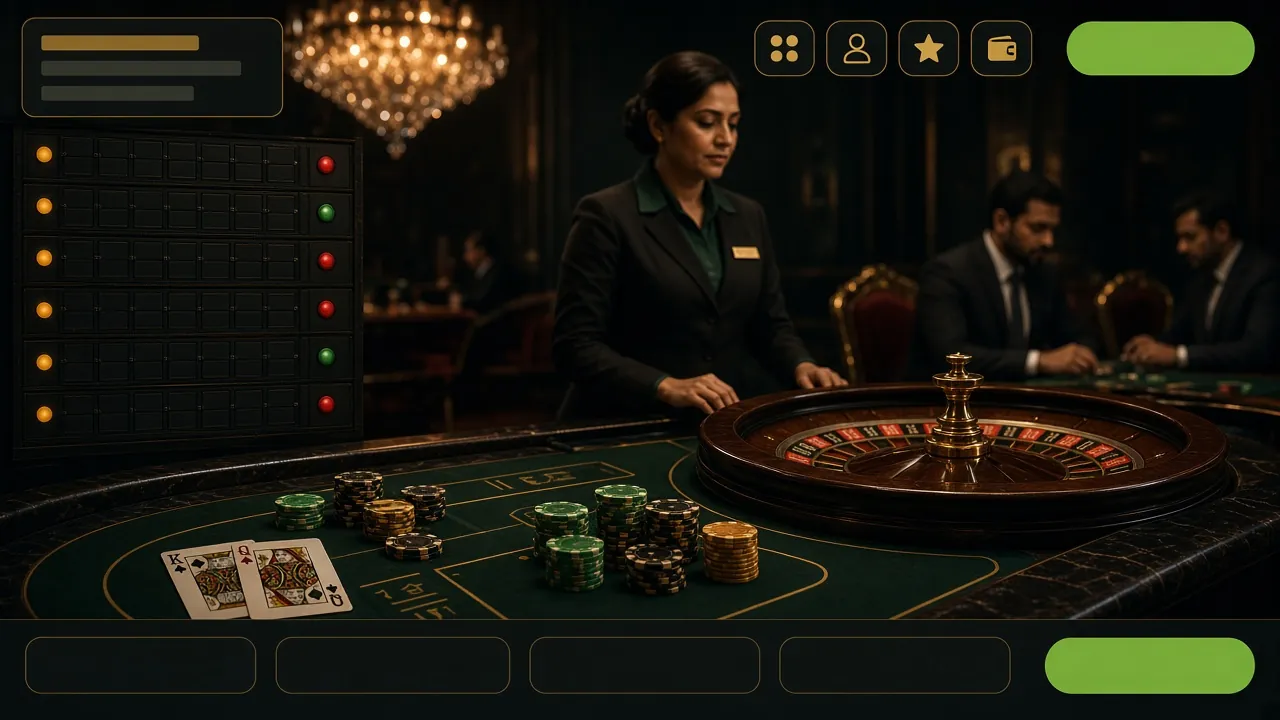
Games Waiting for You Inside the App
Every game from the 5gbd Casino is available in the app. The lobby is organised the same way, so switching between phone and browser does not change your experience.


Common Install Problems & How to Fix Them
If the APK does not install, one of these five causes covers almost every case reported by 5gbd players in Bangladesh.
| Problem | Likely Cause | Fix |
|---|---|---|
| "Install blocked" message appears | Unknown Sources not enabled for your browser | Go to Settings → Apps → Special App Access → Install Unknown Apps. Find your browser and enable it. Then tap the downloaded file again. |
| "Package not installed" error | An older version of 5gbd is already installed, or the APK file did not download fully | Uninstall the existing 5gbd app first, then delete the partial APK from your Downloads folder and re-download from this page. |
| App installs but crashes on launch | Phone is running Android 6.x or lower, which is below the minimum requirement | Use the 5gbd mobile website in Chrome instead. The browser version supports Android 5.0 and above without any install step. |
| Download starts but stops at 0 MB | Unstable mobile data connection, or the download was interrupted by a network switch (data to Wi-Fi) | Connect to a stable Wi-Fi or pause and resume the download. If the problem persists, clear Chrome's cache under Settings → Privacy → Clear Browsing Data and try again. |
| App installed but login fails | Incorrect password, or account not yet verified after registration | Use the 5gbd Login page to reset your password via email. If your account was registered in the last 10 minutes, wait for the verification email before logging in. |
Problem not listed above? Contact our support team via 24/7 Live Chat inside the app or email [email protected].
Get the 5gbd App on Your Phone
One tap to install. Free APK, no app store needed. Works on Android 7.0 and above.
-
Instant bKash & Nagad Deposits
Top up in under 1 minute using bKash, Nagad, Rocket, or Upay. The app remembers your preferred method so checkout is two taps.
-
Full Game Lobby On Mobile
All games from PG Soft, Evolution, Pragmatic Play, and Sexy Gaming are available in the app — slots, crash, live tables, and cricket betting.
-
Bonus Alerts & Push Notifications
Get notified when a reload bonus or cashback window opens. Opt in or out at any time — no spam, just useful timing.
-
SSL Secured & Safe to Install
The APK is served over HTTPS and scanned before each release. No hidden permissions beyond what the app needs to function.
Enable Install from Unknown Sources in your Android settings before installing. The whole process takes under 90 seconds.
Scan to download
on your phone
Frequently Asked Questions
Answers to the questions players ask most before downloading the 5gbd app.
Is the 5gbd APK safe to download?
Yes — as long as you download directly from thispage (5gbd.click/5gbd-app/). The APK is signed with our official certificate and does not contain adware or modified game logic. Every build is scanned before release. If you download from a third-party mirror site, we cannot guarantee the file's integrity. Stick to the download button above and you will get the exact same file our team signed on 5 November 2026.
Do I need to create an account before downloading?
No — the APK download does not require a login. You can download and install the app first, then register a new account inside the app. The registration form takes about two minutes. You will need a valid phone number and a bKash or Nagad account to make your first deposit of ৳100 or more.
How do I update the 5gbd app to the latest version?
The app does not auto-update like a Play Store app. When a new version is available, a banner will appear inside the app's home screen. Tap it to go directly to the download page. Then download the new APK, open it, and Android will update the existing install without removing your account data or settings. You do not need to uninstall first unless the update notes say otherwise.
Can I use the same account on both the app and the browser?
Yes. Your 5gbd account works across all platforms — the Android app, Chrome on Android, and the desktop browser. Your balance, bonus status, and game history are all stored server-side, so switching between devices does not cause any discrepancy. You can even have the app open on your phone while checking your account on a laptop at the same time.
Why is the app not on Google Play Store?
Google Play Store's policies do not currently allow real-money casino and betting apps in all regions, including Bangladesh. This is why 5gbd distributes the app as a direct APK download. The APK installation process takes only a few extra taps compared to a Play Store install. The security of the app itself is identical — it uses the same SSL encryption and signed certificate regardless of how you install it.
What payment methods work inside the app?
The 5gbd app supports bKash, Nagad, Rocket, Upay, and Bank Transfer for both deposits and withdrawals. The minimum deposit is ৳100. Deposits typically arrive in under 1 minute. Withdrawals are processed within 31 minutes on average, with a daily maximum of ৳85,000. The same limits apply whether you use the app or the browser. See the Deposit Guide for step-by-step instructions.
Does the app work on low-end Android phones?
Yes, provided the phone runs Android 7.0 or higher and has at least 1 GB of RAM. The 5gbd app is designed to run on mid-range and budget phones common in Bangladesh — devices like the Samsung Galaxy A-series or Xiaomi Redmi Note line. Enable the built-in data-saver mode if your phone has 1–2 GB of RAM. Crash games and slots are less resource-intensive than live dealer streams, so start with those if performance feels slow.
Ready to Play on Your Phone?
Download the 5gbd app, register your account, and claim your first deposit bonus — all in under five minutes.
Related Pages
18+ · Play Responsibly. The 5gbd app is for adults aged 18 and over. Gambling carries financial risk. Set personal deposit and time limits inside the app's Account Settings. If gambling is affecting your daily life, visit our Responsible Gaming page for support resources.